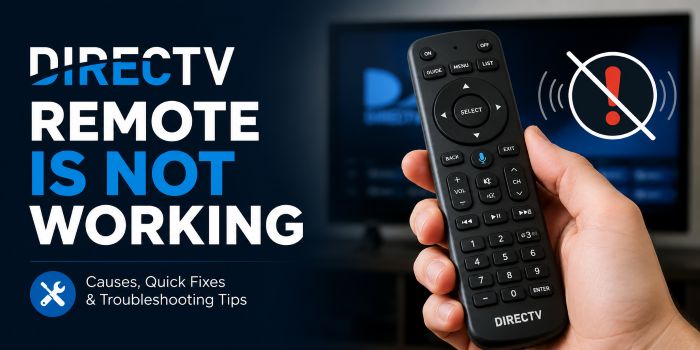
If your DirecTV remote is not working with the receiver, you should definitely look at these troubleshooting tips before you consider other options like buying a new remote or getting it repaired. I know it is very frustrating when the remote is damaged.
The first thing you do would be to check the batteries inserted into it, whether they have sufficient charge to power the controller. But even after replacing the batteries, your remote is not working, then follow the advanced troubleshooting tips I explained here.
Why is the DirecTV remote not working?
There are various reasons, including depleted batteries, blocked direct line of sight, and remote control pairing issues, paired with the wrong remote control codes (May be paired with the other devices when the remote is universal), hardware issues, etc. You need to check every issue to get the remote work back as you expected.
Change the depleted batteries
If you have not changed the batteries in a long time, they may be depleted, and that may be the reason your DirecTV remote is not working as well. The remote control has two batteries, and you should check that both of them have sufficient batteries. If one battery has very low charge, and the other has sufficient charge, the remote may not work.
It is better to change both batteries at the same time. Properly put batteries and check whether your remote is working in its working condition.
The Remote Has Lost Its Pairing
Many modern DIRECTV remotes communicate with the receiver through a paired connection. If this connection is interrupted, the remote may no longer control the receiver. Pairing issues can occur after a receiver reset, software update, or battery replacement. Re-pairing the remote with the receiver usually restores functionality and allows the remote to communicate properly again.
Signal Obstructions
If you’re using an infrared DIRECTV remote, the signal must travel directly from the remote to the receiver. Furniture, decorative items, or other objects placed in front of the receiver can block this signal. Even a layer of dust covering the receiver’s sensor can sometimes interfere with performance. Ensuring there is a clear line of sight between the remote and the receiver can help eliminate this issue.
Stuck or Damaged Buttons
Over time, dirt, dust, and debris can accumulate around the buttons on a remote control. This buildup may cause buttons to stick or become unresponsive. In some cases, only certain buttons stop working while the rest of the remote functions normally. Carefully cleaning the remote and checking for stuck buttons can often resolve the problem. However, if the remote has suffered physical damage from drops or spills, a replacement may be necessary.
Receiver Problems
Sometimes the issue is not with the remote at all but with the DIRECTV receiver. Software glitches or temporary system errors can prevent the receiver from responding to remote commands. Restarting the receiver by pressing its reset button or unplugging it for a short period can refresh the system and restore communication between the receiver and the remote.
The Remote Needs a Reset
Like many electronic devices, DIRECTV remotes can occasionally experience software-related issues. Resetting the remote clears its current settings and can resolve unexpected behavior. After a reset, you may need to reprogram the remote to work with your receiver and television. This process often fixes problems that cannot be resolved through battery replacement or receiver restarts.
Hardware Failure
If none of the troubleshooting steps work, the remote itself may be defective. Frequent use, accidental drops, water exposure, or simple wear and tear can eventually cause internal components to fail. A damaged remote may stop sending signals altogether or work intermittently. In these situations, replacing the remote is usually the best option.
How to Test Your DIRECTV Remote
A simple way to check whether your remote is transmitting a signal is by using your smartphone’s camera. Point the front of the remote toward the camera lens and press a button. If you see a flashing light on your phone’s screen, the remote is sending an infrared signal. If no light appears, the remote may have a hardware issue or dead batteries.
When to Contact DIRECTV Support
If you’ve replaced the batteries, restarted the receiver, and attempted to reset or re-pair the remote without success, it may be time to contact DIRECTV support. Their technical team can help identify whether the problem lies with the remote, receiver, or another component of your setup. They can also guide you through advanced troubleshooting steps or arrange for a replacement remote if necessary.
Read More: